> For the complete documentation index, see [llms.txt](https://docs.uppromote.com/llms.txt). Markdown versions of documentation pages are available by appending `.md` to page URLs; this page is available as [Markdown](https://docs.uppromote.com/guide-for-affiliate/affiliate-admin/affiliate-admin-marketing-tools.md).
# Affiliate Admin - Marketing tools
Find ready-made promo assets in your UpPromote affiliate account. The Marketing tools tab lets you preview, download, and share materials from the merchant.
Affiliate admin > Markleting tools
The **Marketing tools** tab is where affiliates can find the marketing materials that merchant uploaded into UpPromote via [Media gallery](/motivation/media-gallery.md). From here, affiliates can preview, download or share the materials. This is very helpful for affiliates to promote the products/store efficiently.
## Filters
Click Asset types > select the file type(s) > Filters in order to see those specific file types only.
## Categories
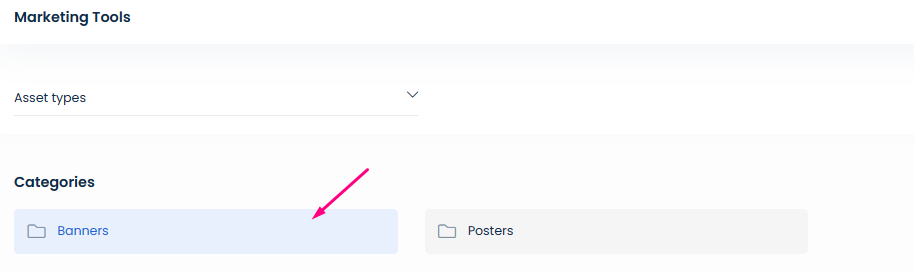
Categories are basically file folders. The merchant can put files into categories for affiliates to find the suitable materials easier.
Affiliates can double click on the category to access it