---
description: Available from Professional plan
---
# Connect Customers
This feature helps you connect a customer to an affiliate so that **all future orders** made by the **connected customer** will result in a **commission** for the affiliate, **regardless** of the use of any affiliate link/coupon.
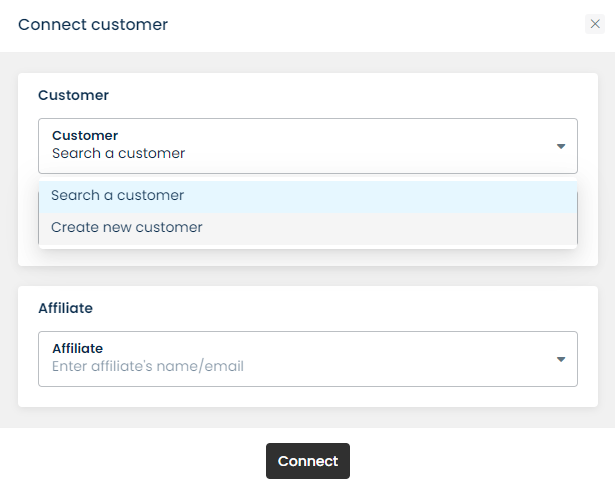
To connect a customer to an affiliate, go to **Affiliates** > **Connect customers**. Next, you can choose to search for an existing customer or add a new customer.
Affiliates > Connect customers
Once connected, it will show the connection between the customer and the affiliate with the "Connect source" below:
An affiliate can be connected to **multiple customers**, but **each customer** can be assigned to only **one** affiliate.