> For the complete documentation index, see [llms.txt](https://docs.uppromote.com/llms.txt). Markdown versions of documentation pages are available by appending `.md` to page URLs; this page is available as [Markdown](https://docs.uppromote.com/settings/account-settings.md).
# Account settings
pdate your profile and change your password in UpPromote account settings. Your onboarding email can't be edited directly, so contact support to change it.
This settings page is where you can enter/edit some basic information. All information is only visible for yourself and your staffs (if any).
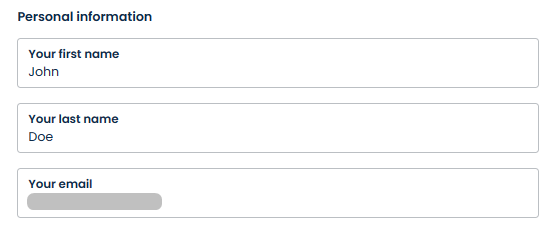
## Personal information
Settings > Profile settings > Profile
**Your email** is registered during the onboarding process. UpPromote doesn't allow users to change this email address themselves. However, in case you really need to change it (e.g. you accidently put the wrong email address; the brand is having the owner changed; etc.), please contact our support team via the in-app chat channel. Our support agent can help you with that quickly.
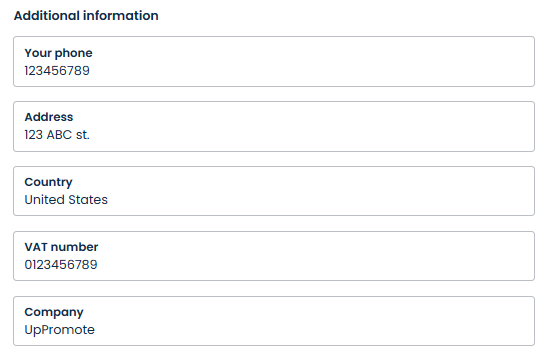
## Additional information
Settings > Profile settings > Profile
There's some extra information you can fill in. All this information is optional.
## Password
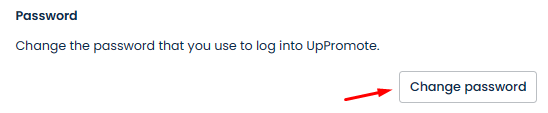
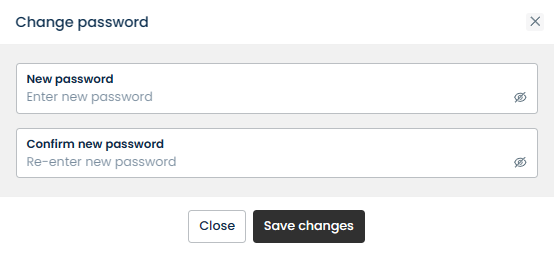
You can change the login password from here.
{% hint style="info" %}
Note: You only need to enter password if you're logging into UpPromote via [app.uppromote.com](https://app.uppromote.com) > *login using email and password*.
Getting into the app via your **Shopify admin** doesn't require entering the password.
{% endhint %}