> For the complete documentation index, see [llms.txt](https://docs.uppromote.com/llms.txt). Markdown versions of documentation pages are available by appending `.md` to page URLs; this page is available as [Markdown](https://docs.uppromote.com/guide-for-affiliate/affiliate-admin/affiliate-admin-settings/how-can-affiliate-update-their-payment-details.md).
# How can affiliates update their payment details?
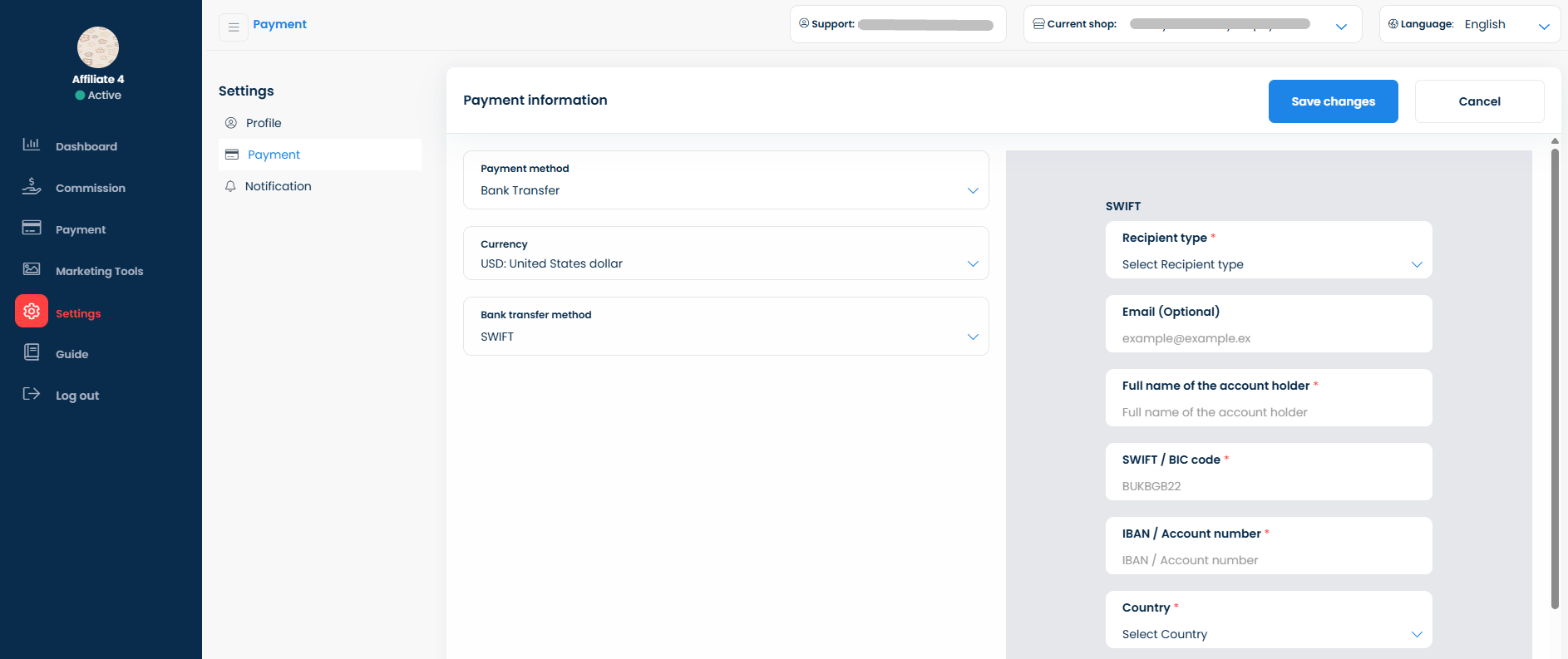
Affiliates update payout info in UpPromote under Settings > Payment: choose one payment method and enter your details. Do this to let the merchant pay you.
After logging into their accounts, affiliates can choose ONE payment method from the payment method list and fill in their payment details in **Settings** > **Payment.**